July 2, 2026
Room Directory: 8 mistakes to avoid with a digital welcome guide
Difficult-to-read PDFs, non-clickable phone numbers, information nowhere to be found... Discover the mistakes that complicate your guests' stays and how to design a truly effective Room Directory.
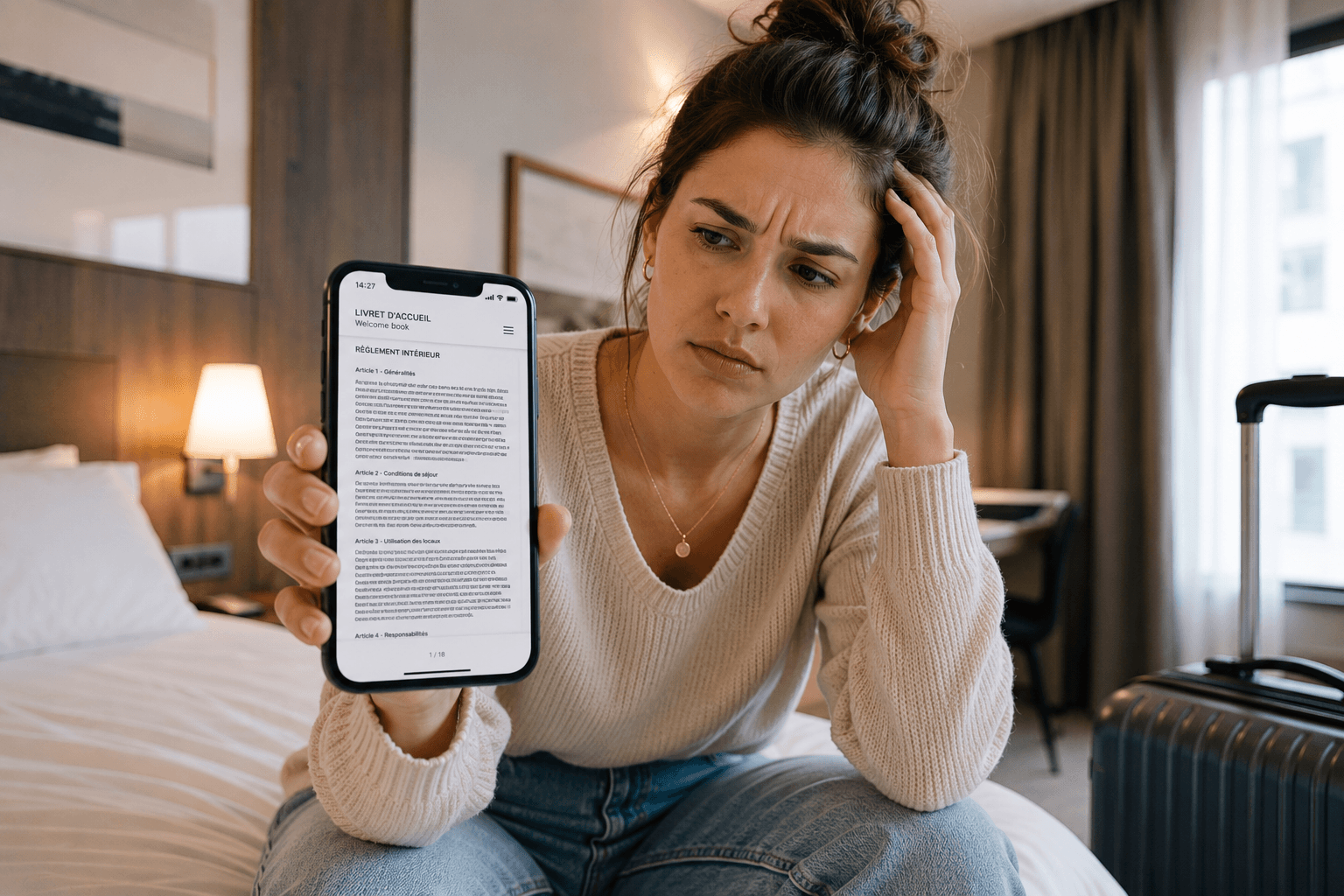
How to avoid the mistakes that frustrate your guests?
The digital welcome guide has become a genuine asset for improving guest experience and facilitating their stays. Yet many establishments simply convert their old paper welcome guide into a PDF, without adapting it for smartphone viewing.
The result: information that's hard to read, cumbersome navigation, and guests who continue to contact the front desk for answers.
Discover the 8 most common mistakes to avoid when creating a digital welcome guide that's clear, modern, and truly useful for your guests.
1. Using a simple PDF
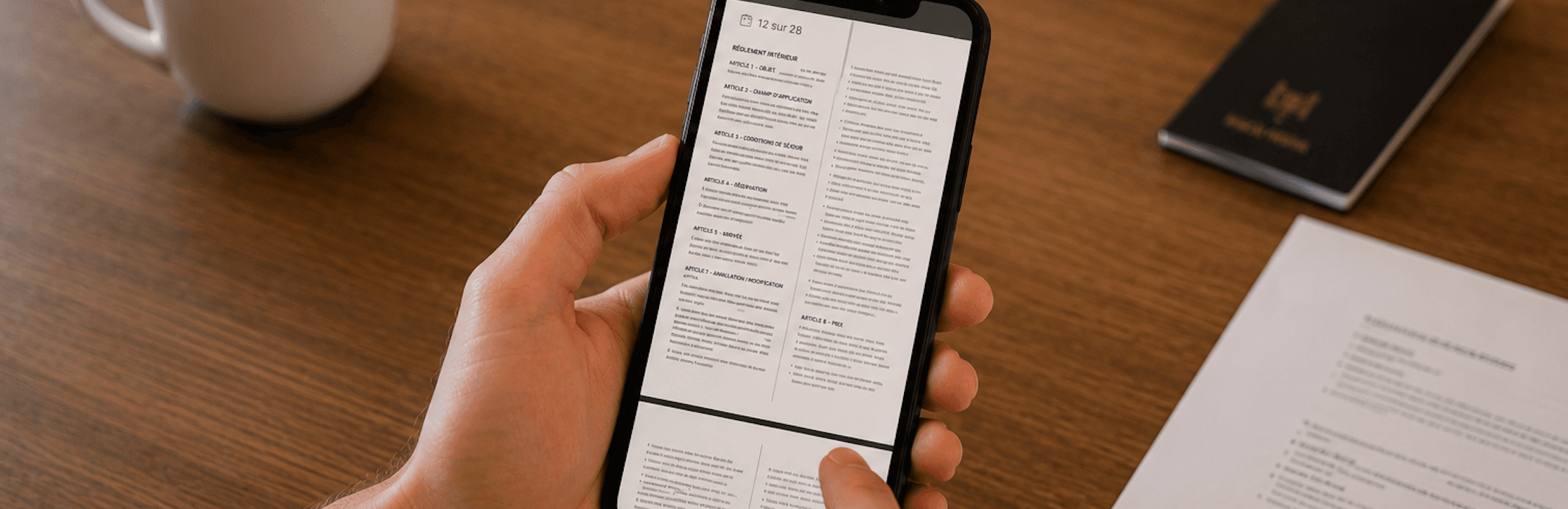
This is probably the most common mistake.
Many hotels display a QR Code that opens a simple PDF containing the content of their old paper welcome guide. While this solution eliminates the physical support, it doesn't offer a true digital experience.
On smartphones, guests must zoom in, scroll through multiple pages, and search for the information they need themselves. A consultation that quickly becomes frustrating and discourages reading.
A digital welcome guide should be designed for mobile use, with intuitive navigation, well-organized categories, and immediate access to essential information.
2. Hiding essential information
The Wi-Fi password is on page 12, breakfast times on page 4, and checkout information at the end of the document.
When essential information is scattered throughout, guests spend their time searching... before eventually contacting the front desk.
In a digital welcome guide, the most consulted information should be clearly organized and accessible in just a few seconds.
3. Displaying an email address or phone number that can't be copied
Like a phone number, an email address displayed as text in a PDF welcome guide often forces guests to manually retype it from their smartphone.
This situation is more common than you might think. During our conversation with a hotel, we had to open the PDF, take a screenshot, use our phone's text recognition, and then copy the email address before we could send a simple message.
The same problem occurs with phone numbers: when they're not clickable, guests must dial them manually to reach the front desk, room service, or emergency numbers.
An operation that should have taken a few seconds ended up requiring multiple steps.
In a digital welcome guide or Room Directory, email addresses should open directly in the messaging app, and phone numbers should be callable with a single tap.
These small details significantly improve guest experience, facilitate communication with the establishment, and make the digital welcome guide much more practical in everyday use.
4. Not highlighting your establishment's services

A digital welcome guide is more than just sharing practical information. It's also an excellent way to showcase the services and amenities offered by your establishment.
Breakfast, spa, pool, room service, parking, bike rentals, activities, or local partners: each service deserves to be easily accessible and visible.
By promoting your offerings throughout the guest's stay, you enhance their experience while increasing the chances they'll use all your services.
5. Forgetting international guests

Hotels today welcome an international clientele with varied profiles and languages.
A digital welcome guide available only in your establishment's language can quickly become a barrier to understanding essential information.
Offering content translated into multiple languages allows guests to be more independent, better enjoy their stay, and reduce questions directed to the front desk. With RoomPage, translation is automatic: your digital welcome guide is instantly available in multiple languages, without manual translation or update efforts.
6. Never updating your information
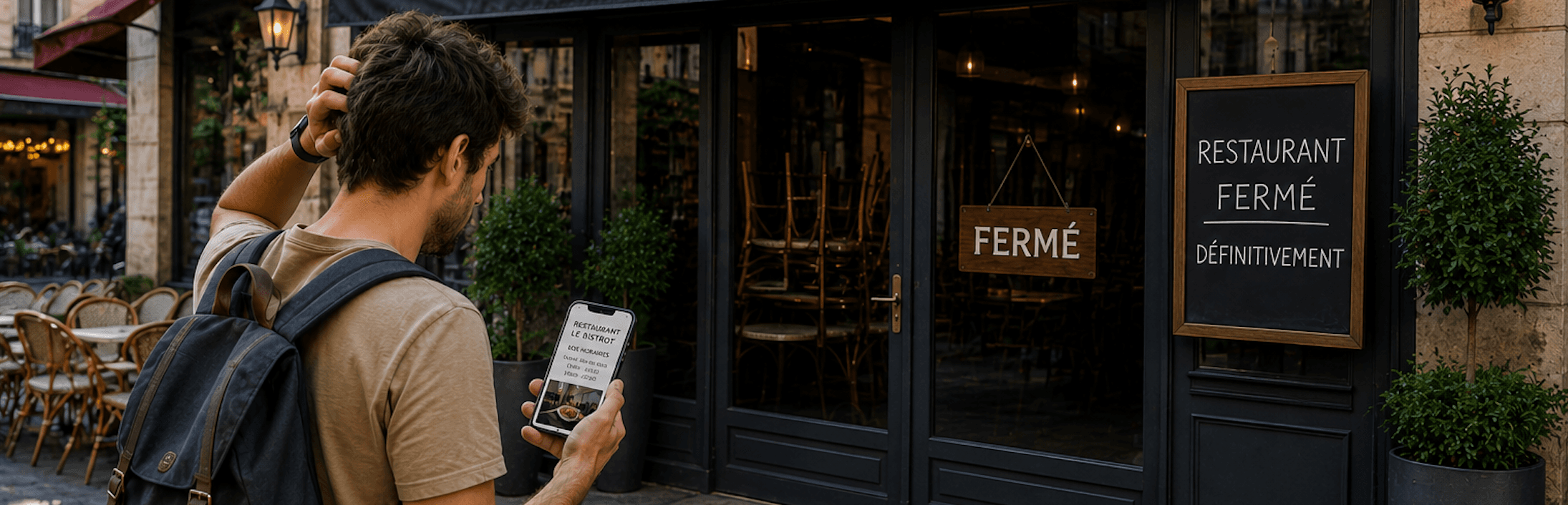
An establishment's information changes regularly.
The Wi-Fi password may change, breakfast times be modified, a partner restaurant close, or a service become unavailable.
If your welcome guide isn't regularly updated, it risks spreading incorrect information, frustrating guests, and damaging their experience.
7. Overloading pages with text
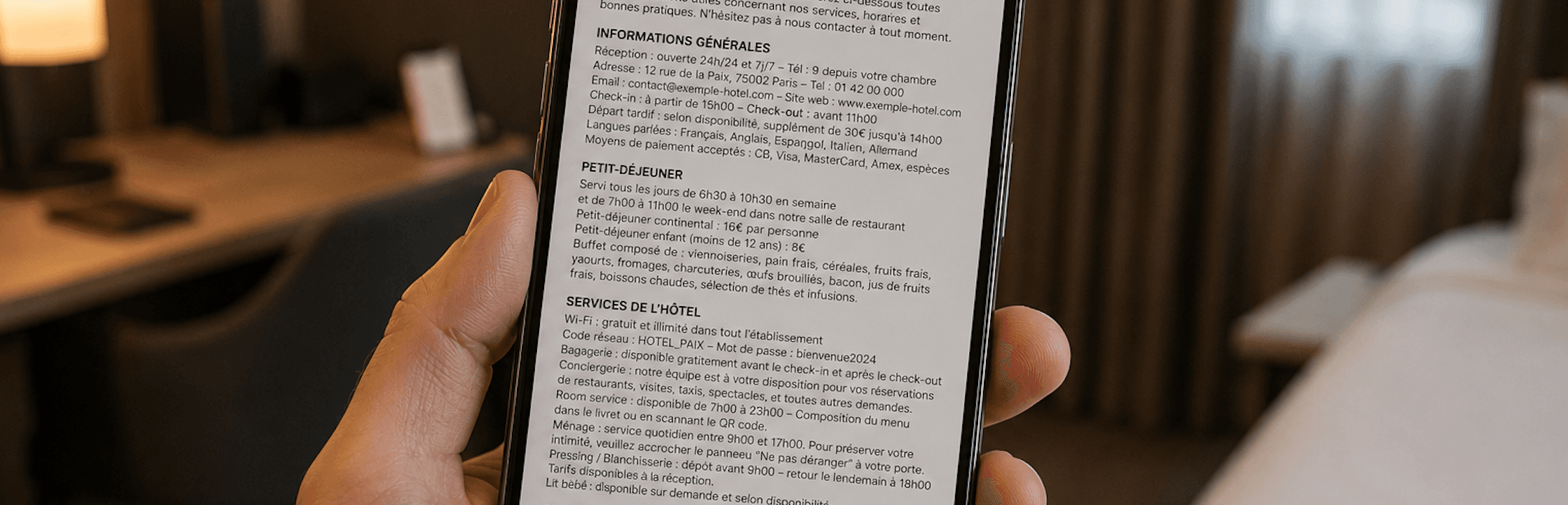
Guests typically don't read a welcome guide from beginning to end. They're looking for specific information, like Wi-Fi, breakfast times, or the establishment's services.
A clear layout, well-organized categories, and intuitive navigation allow them to find an answer in seconds, without reading long paragraphs.
Today, the vast majority of guests consult this information directly from their smartphones. A digital welcome guide should therefore be designed primarily for small screens, with a simple, fast, and pleasant interface to use.
8. Treating the guide as a mere obligation
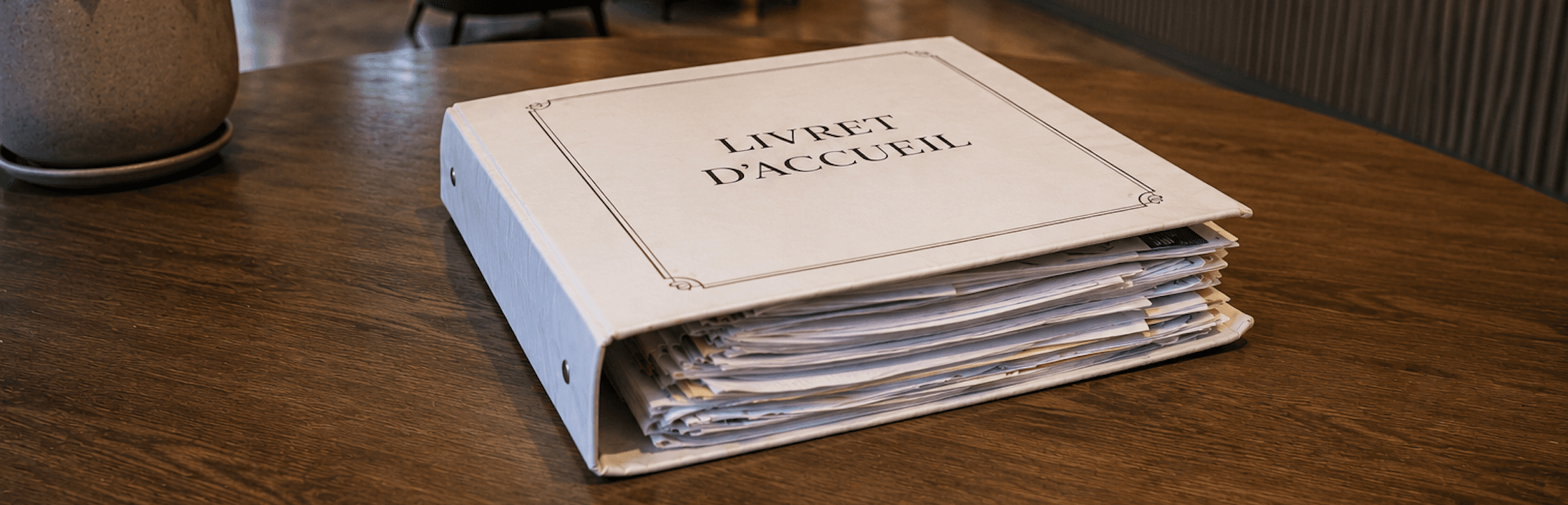
Too many establishments still view the welcome guide as a simple obligation containing house rules and basic practical information.
In reality, a digital welcome guide is a genuine communication tool. It accompanies guests throughout their stay, showcases your establishment's services, and facilitates access to essential information.
When well-designed, it improves guest experience, reduces front desk inquiries, and strengthens the modern, professional image of your hotel or vacation rental.
In summary
Creating a digital welcome guide is not simply about replacing a paper document with a PDF. The goal is to offer a smooth, intuitive experience designed for today's guests.
With RoomPage, you create a modern Room Directory, accessible by QR Code, optimized for smartphones, automatically translated into multiple languages, and easily editable in just a few clicks.
By avoiding these mistakes, you improve your guests' experience, reduce front desk inquiries, and highlight your establishment's services throughout their stay.